Computer Speakers for Desktop Pc
Laptop Speaker with Loud Sound, Rich Bass and Volume Control-PLUG AND PLAY
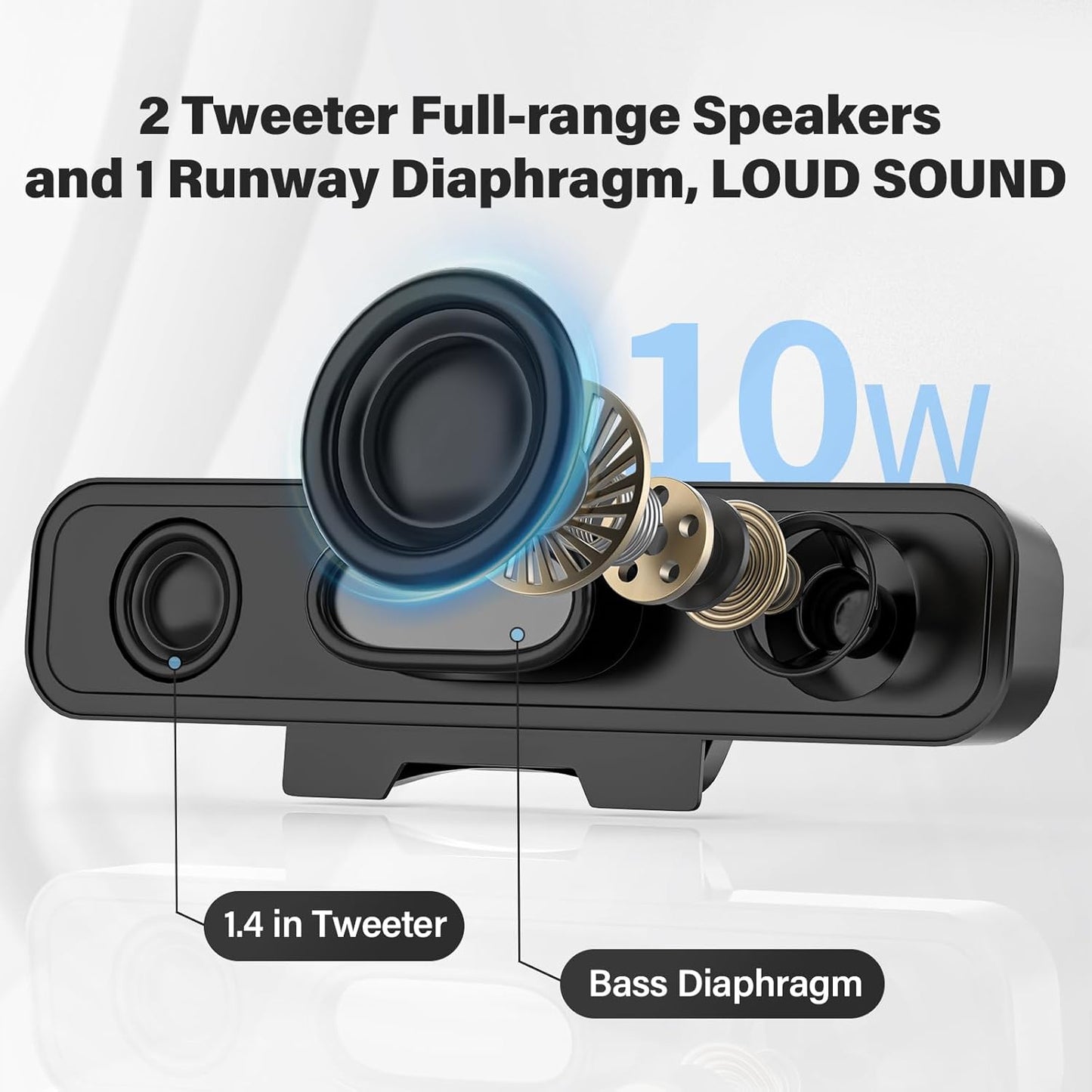
LOUD-LOUD-LOUD Sound-Rich Bass
The built-in two 1.4" internal magnetic speakers and a bass runway cone maximize surprisingly loud and rich bass. High-quality sound cables ensure stable audio output without any lagging
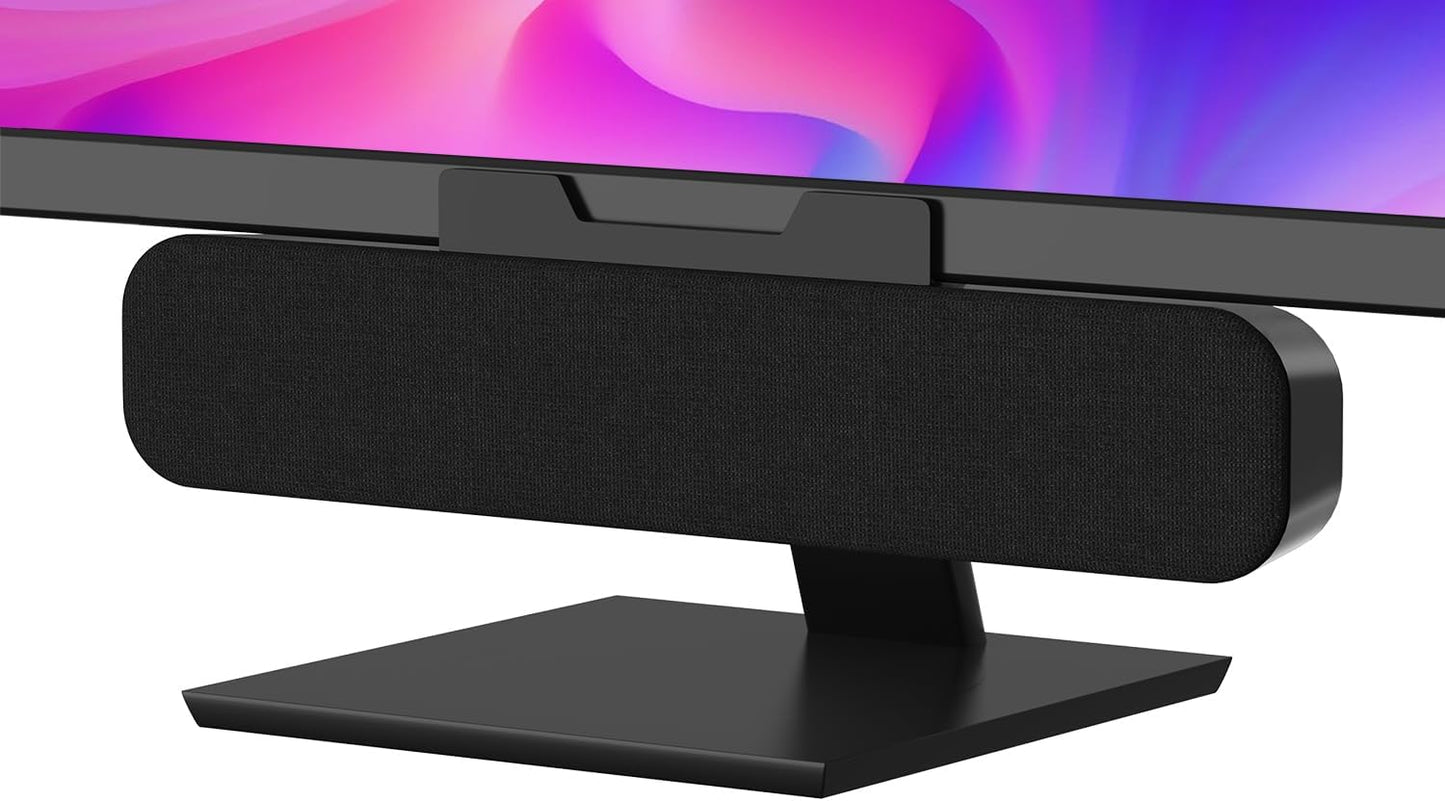
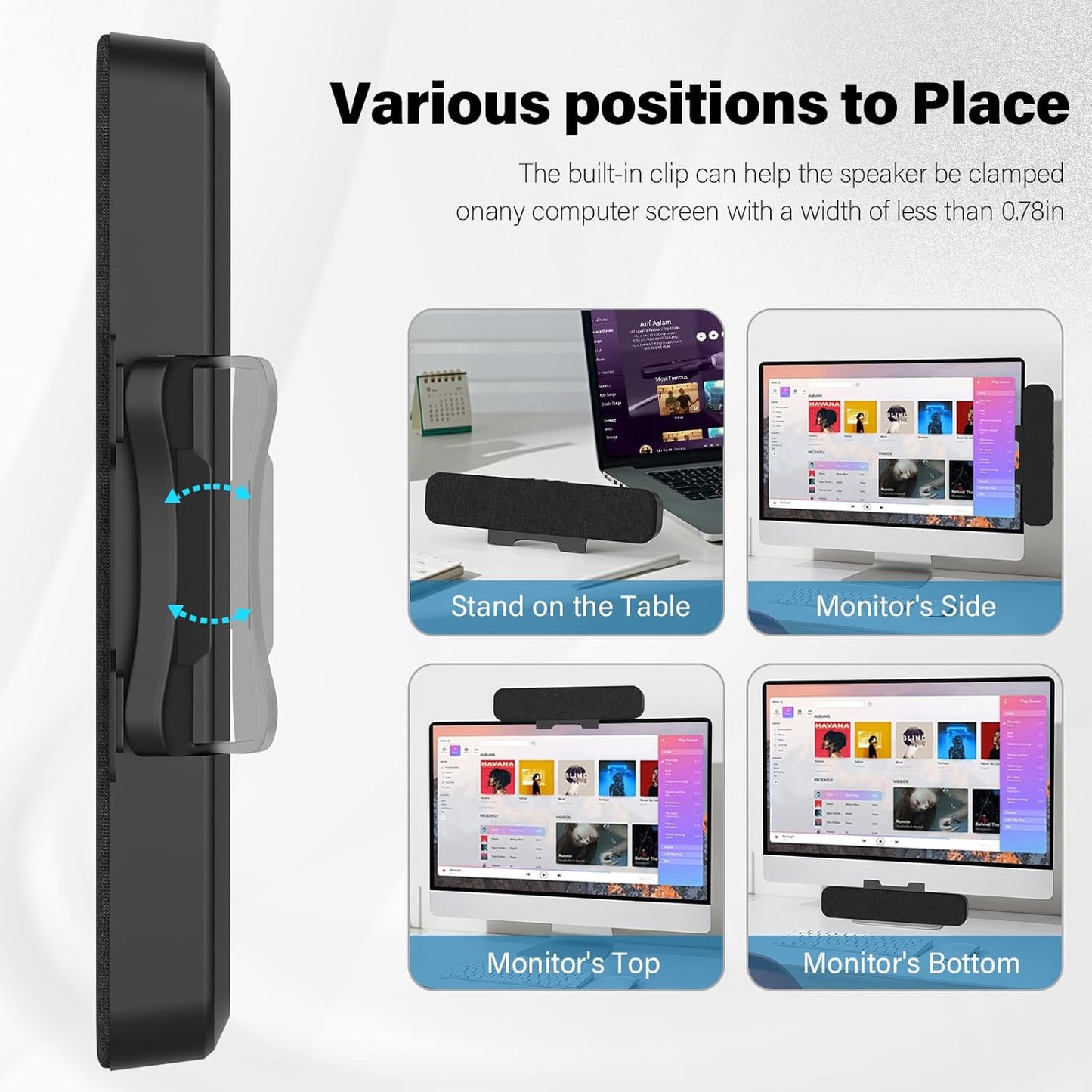
Easily Clip to Monitor or Stand on the Desk-Make Your Desktop Tidier
Maximum Space Saving
The clip on the bottom of our speakers has a maximum opening angle of 0.78 in allowing the speakers to be securely clipped to the bottom, side or top of most monitors on the market.
We sincerely recommend that you try not to fix the speaker to the bottom of the monitor. Because the bass emitted by the speaker, the weight of the speaker itself and the thick size of some monitors will cause the speaker to slowly slide down.
-
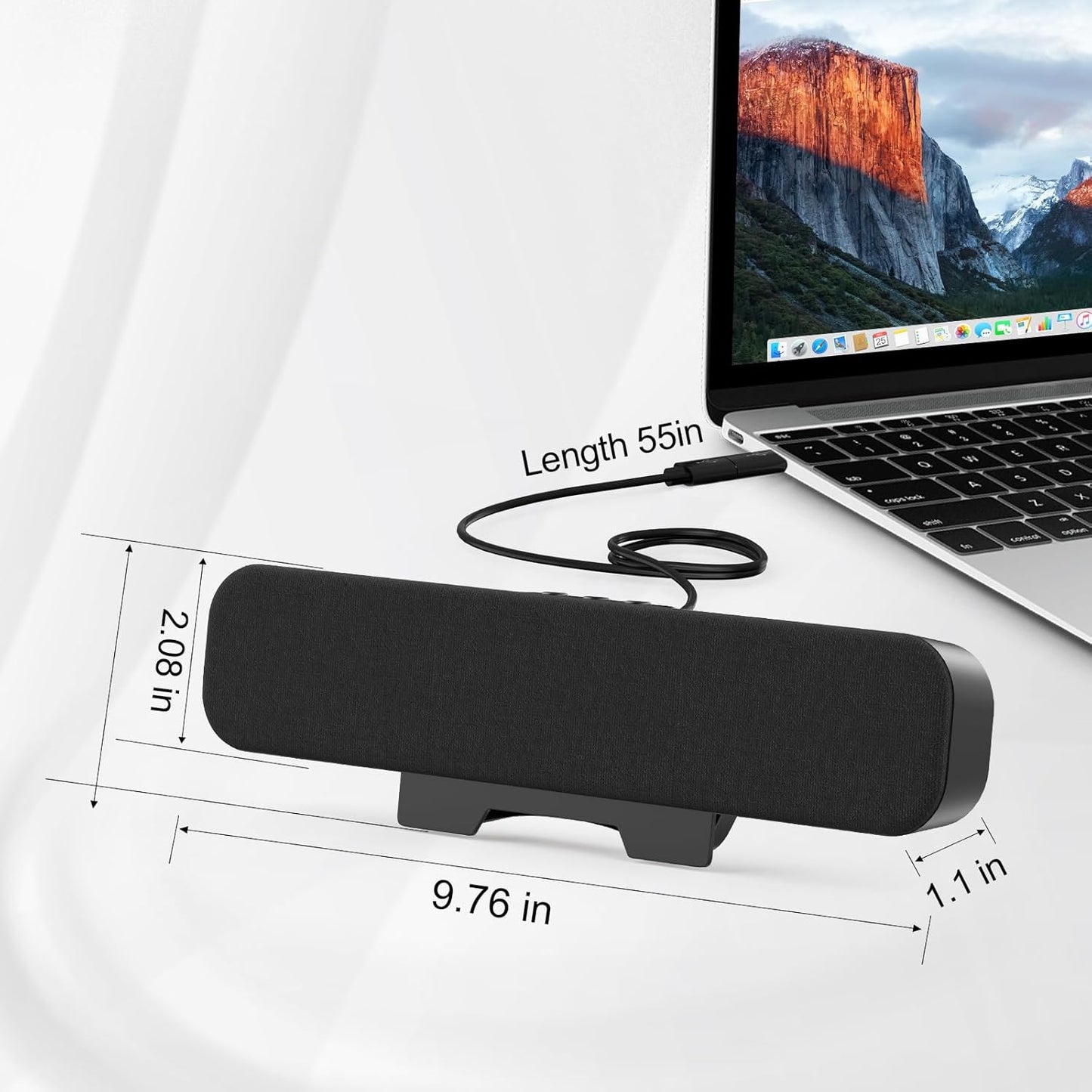
How long is the chord that runs from the speaker to the USB port?
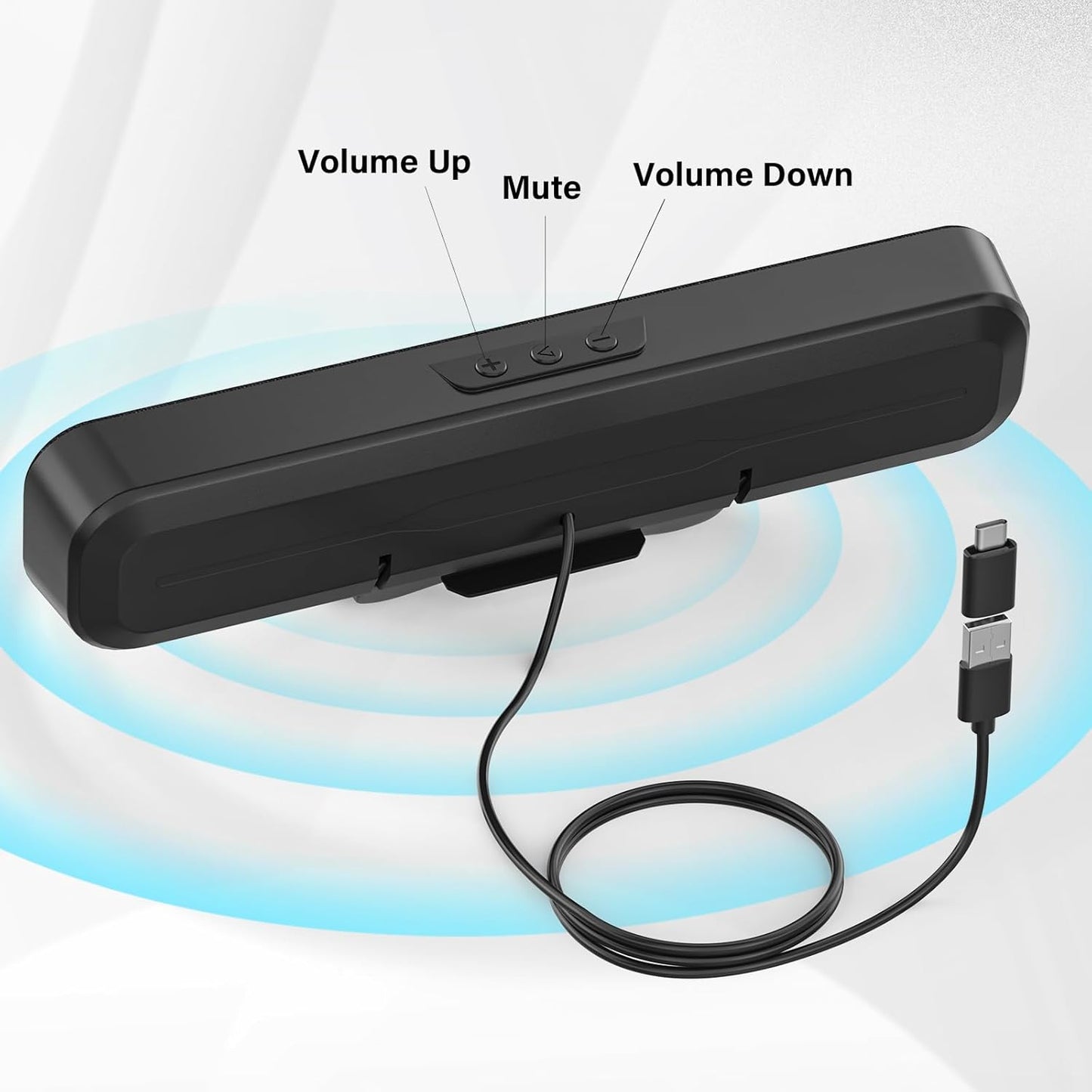
It’s 55 in. Much longer than other speakesr and long enough to put it to anywhere you want
-
Is there a headphone jack or built-in mic on this?
So sorry. There is no headphone jack and mic function on the usb speakers
-
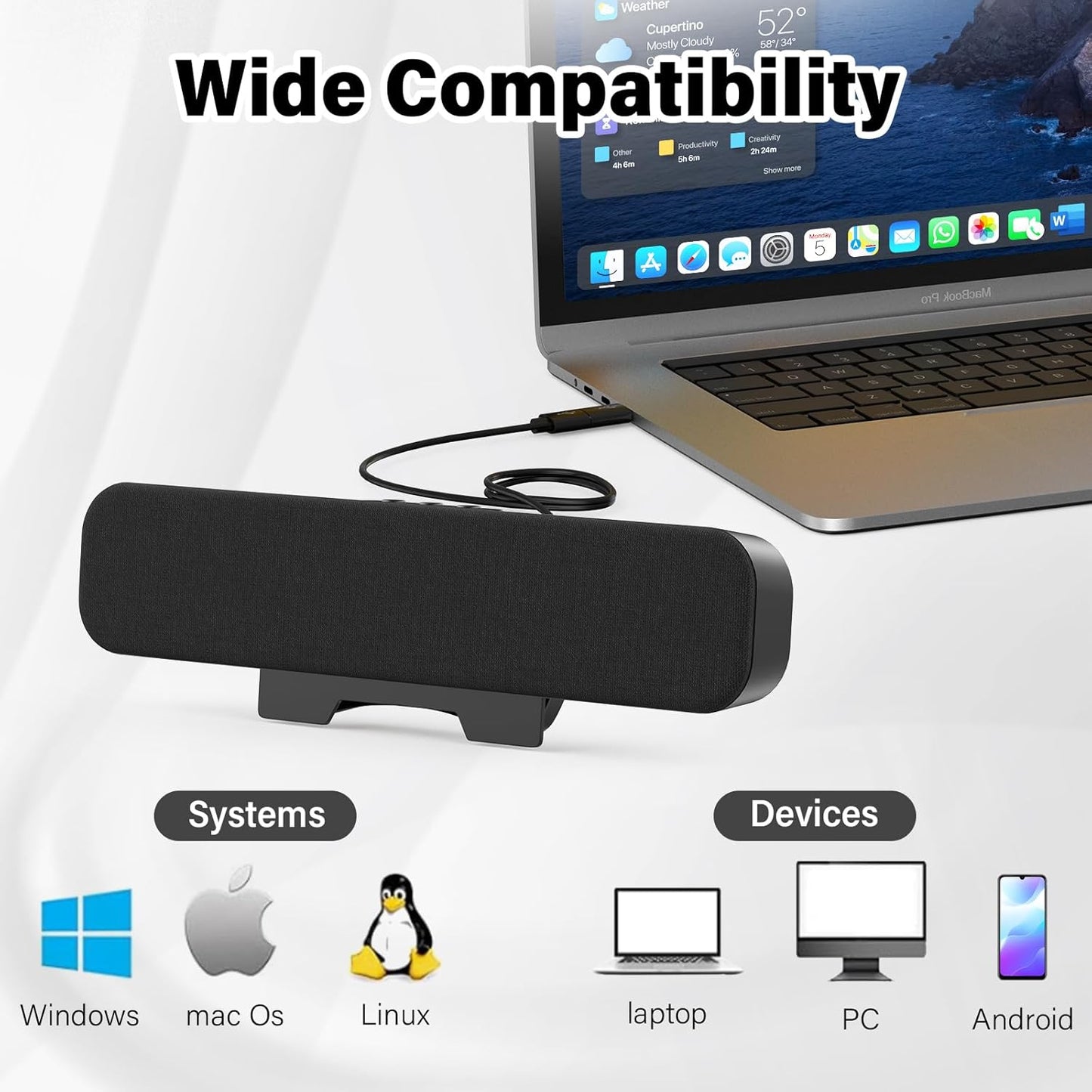
does the usb speaker work with linux or windows ?
Yes, our Computer Speakers USB Plug-in work well with all laptops and Pc with USB ports and type-C port
-
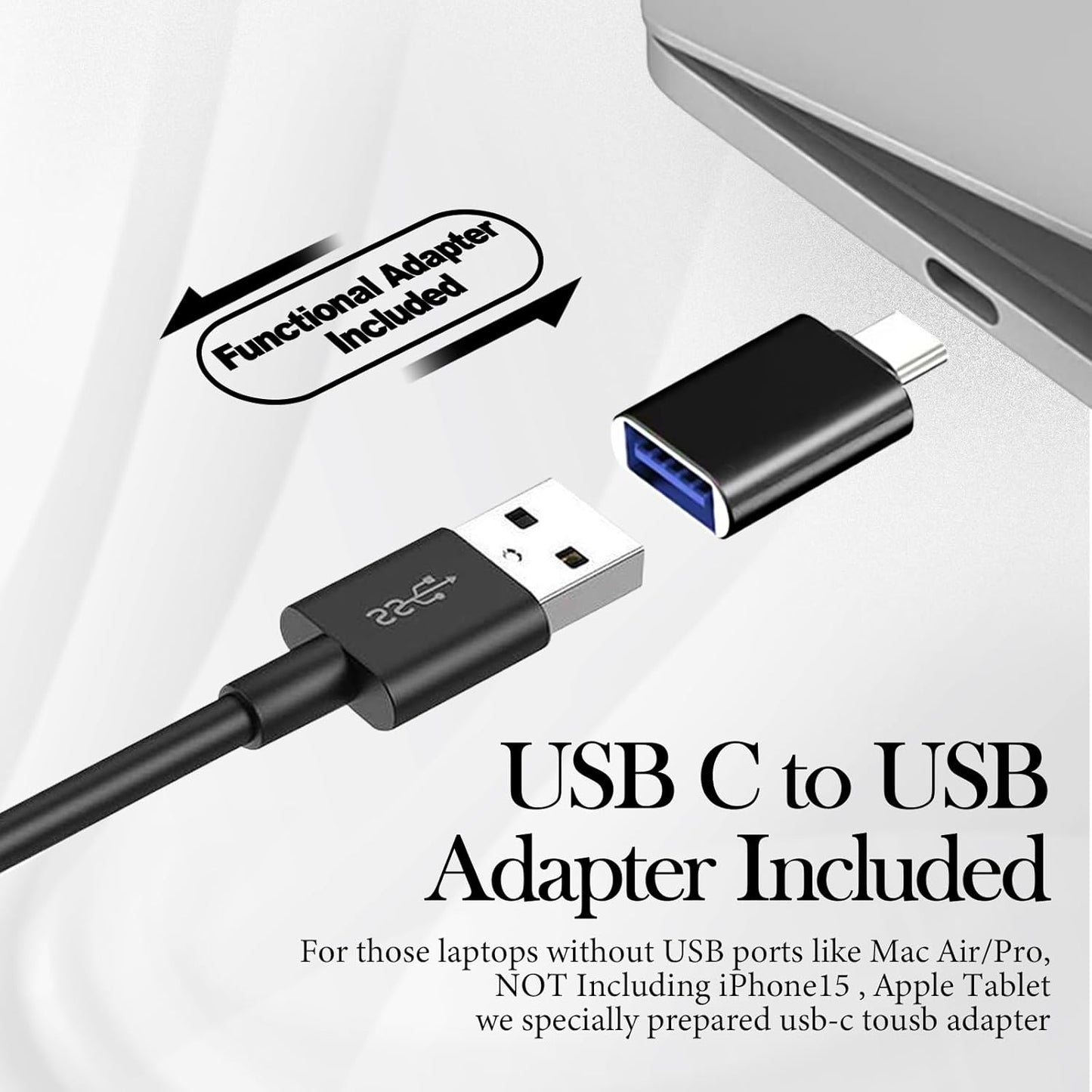
Does it work with my Macbook Pro or Macbook Air
Yes. For those computers Pad and mobile phones with only type-c interface, we specially prepared USB C to USB Adapter. So it works well with them
-
Does the speaker work with Xbox/PS4/ps5/TV ?
So sorry. Our speaker is designed for cpmputers, It can't work with these devices
1: For Desktop Computer
- For Windows/Linux System:Plug the usb cable into the back usb port of your computer(Not monitor, not front usb port of computer) ,It will be recongnised automaticly. Just play music please.
- For Mac System:Plug the usb cable and usb-c to usb adapter into any port of your computer,then go to the sound setting of your computer. Select “Speaker(Audio USB 2.0)” as your playback device,just play music please.
2: For Laptop Computer
- For Windows/Linux system:Plug the usb cable into the usb port of your computer,it will be recongnised automaticly. Just play music please
- For Mac System:Plug the usb cable and usb-c to usb adaoter into any port of your computer,then go to the sound setting of your computer. Select “Speaker(Audio USB 2.0)” as your playback device,just play music please.
3: For Android phonesPlug the usb cable and usb-c to usb adapter into your phone, then open the OTG setting on your phone.Just play music please. (Our speaker can't work on PS5 or iPhones)
Couldn't load pickup availability
Share